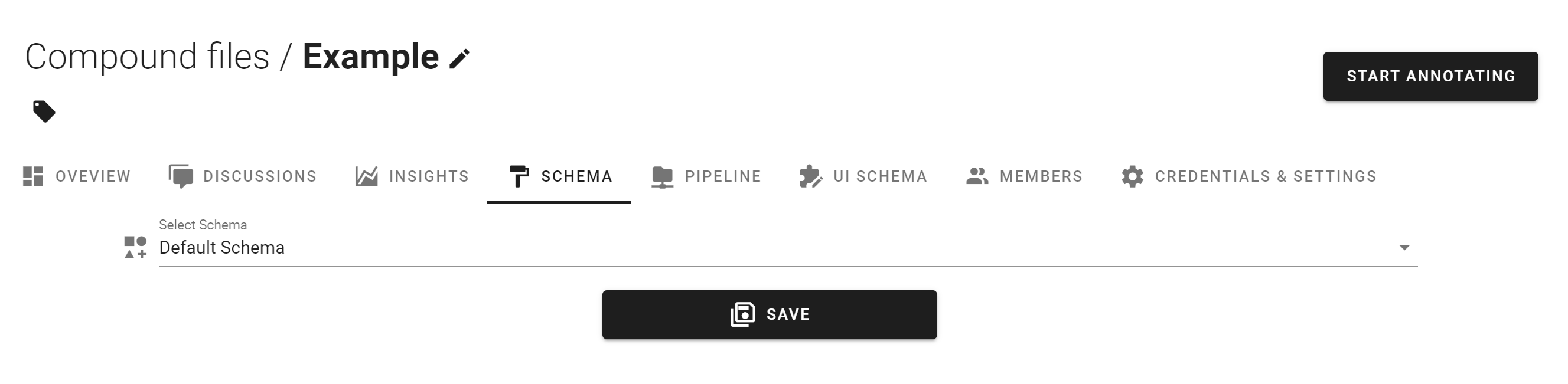
Changing the Task SchemaSuggest EditsChanging the Existing Schema Edits to the existing Schema will be reflected on tasks. Changing Schema Navigate to the task homepage. "Schema" tab. Select Desired Schema Click Save. 📘Use caution when editing SchemasUpdated over 3 years ago Did this page help you?YesNoCopy PageTable of Contents Changing the Existing Schema Changing Schema